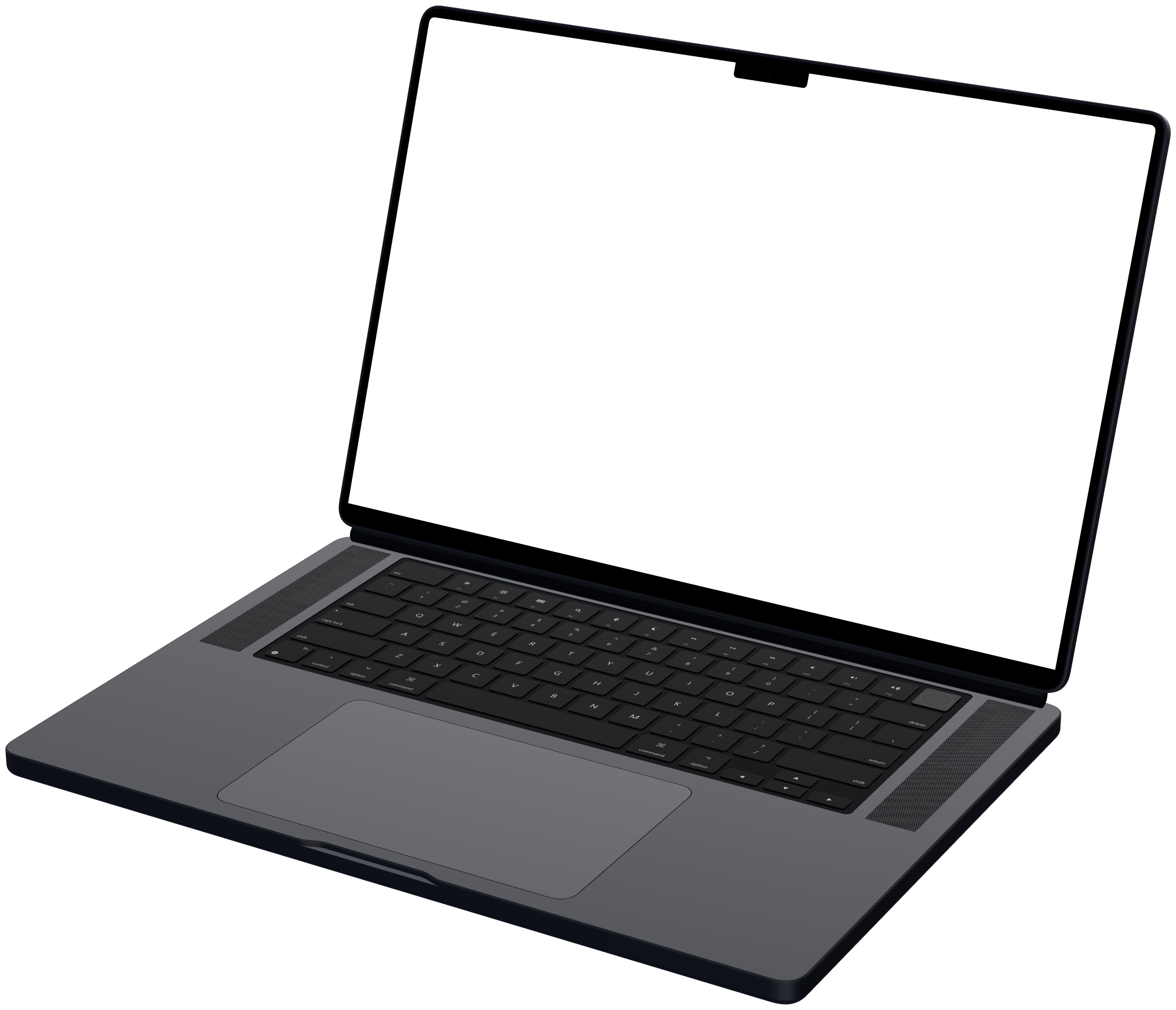
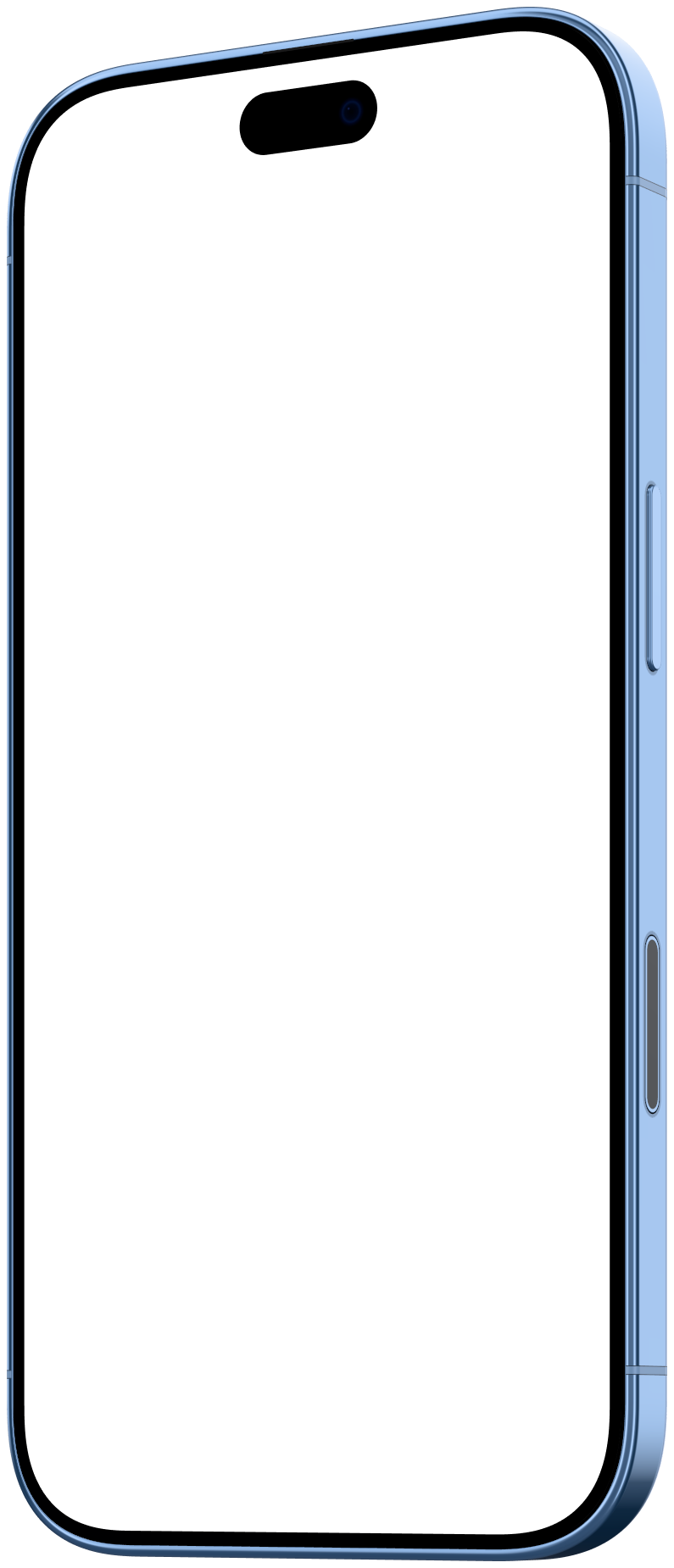
Mockya vs Rotato
Rotato is a Mac app for animating 3D device mockups on a keyframe timeline, with camera moves and exports up to 8K. Mockya runs in any browser and skips the timeline: drop in a screen recording, pick an angle and export several social sizes at once, paying per export from $5. Pick Rotato for cinematic 3D motion, Mockya for speed.
Facts about Rotato are from rotato.app, checked October 2026. Prices and plans change, so check their site before you buy.
Mockya
Screen recordings in device frames, every size at once
- Runs on
- Any desktop browser, nothing to install
- Pricing
- Pay per export with credits from $5, bought once, never expire
Rotato
3D mockup animation app for Mac
- Runs on
- Mac app (macOS 11 or newer); a web version is in beta
- Pricing
- One-time licences in three tiers, with an unlimited free trial
How do Mockya and Rotato compare?
Feature by feature, from what each product says about itself. Rotato is good at what it does; the question is which job you have.
| Mockya | Rotato | |
|---|---|---|
| Where it runs | Any desktop browser, nothing to install | Mac app; web version in public beta |
| How you make motion | Your recording plays inside a fixed angle; no keyframes | Keyframe timeline, animation presets and camera lens control |
| Devices | 23 frames: iPhone, iPad, MacBook, Pixel, Galaxy, displays, browser | 30+ 3D device models, depending on the tier |
| Output | MP4, WebM, GIF and PNG, up to 4K | Up to 8K; H.264, HEVC, ProRes 4444 and PNG frames |
| Pricing | Pay per export with credits from $5, bought once, never expire | One-time licence (Basic, Standard or Premium) with 6 to 12 months of updates |
| Free to try | Editing, preview and PNG stills are free, no watermark | Unlimited free trial, no card |
Should I use Rotato or Mockya?
Rotato is best for: cinematic 3D camera moves, edited on a Mac timeline. Mockya is best when you have a recording and need it framed and sized fast.
Choose Rotato if
- You want the camera to move: orbits, push-ins and multi-device scenes on a timeline
- You need 8K or ProRes 4444 for a film edit
- You work on a Mac and want a desktop app with a Figma plugin
Choose Mockya if
- You already have a screen recording and want it framed in minutes
- You need the same clip in 16:9, 1:1, 4:5 and 9:16 without rebuilding it
- You are on Windows, Linux or a Chromebook, or would rather not install anything
- You make a video now and then and would rather pay per export than for a licence
Mockya and Rotato: questions
Other comparisons
What is the difference between Mockya and Rotato?
Rotato is a Mac app for animating 3D device mockups on a keyframe timeline, with camera moves and exports up to 8K. Mockya runs in any browser and skips the timeline: drop in a screen recording, pick an angle and export several social sizes at once, paying per export from $5. Pick Rotato for cinematic 3D motion, Mockya for speed.
Is Mockya a Rotato alternative?
For framing screen recordings, yes. Both put your app inside a realistic device. Rotato is a 3D animation tool with a timeline; Mockya is a framing tool with fixed angles that exports several sizes at once. If you need the camera to move, Rotato is the better fit.
Does Mockya work on Windows?
Yes. Mockya runs in current Chrome, Edge, Safari and Firefox on desktop, so it works on Windows, macOS, Linux and ChromeOS. Rotato's desktop app is Mac only, with a web version in beta.
Have a recording? Frame it before you finish reading about Rotato.
Drop in a screen recording, pick a device and export every size you need. Editing is free, and new accounts get 25 credits.
Your files never leave your machine.