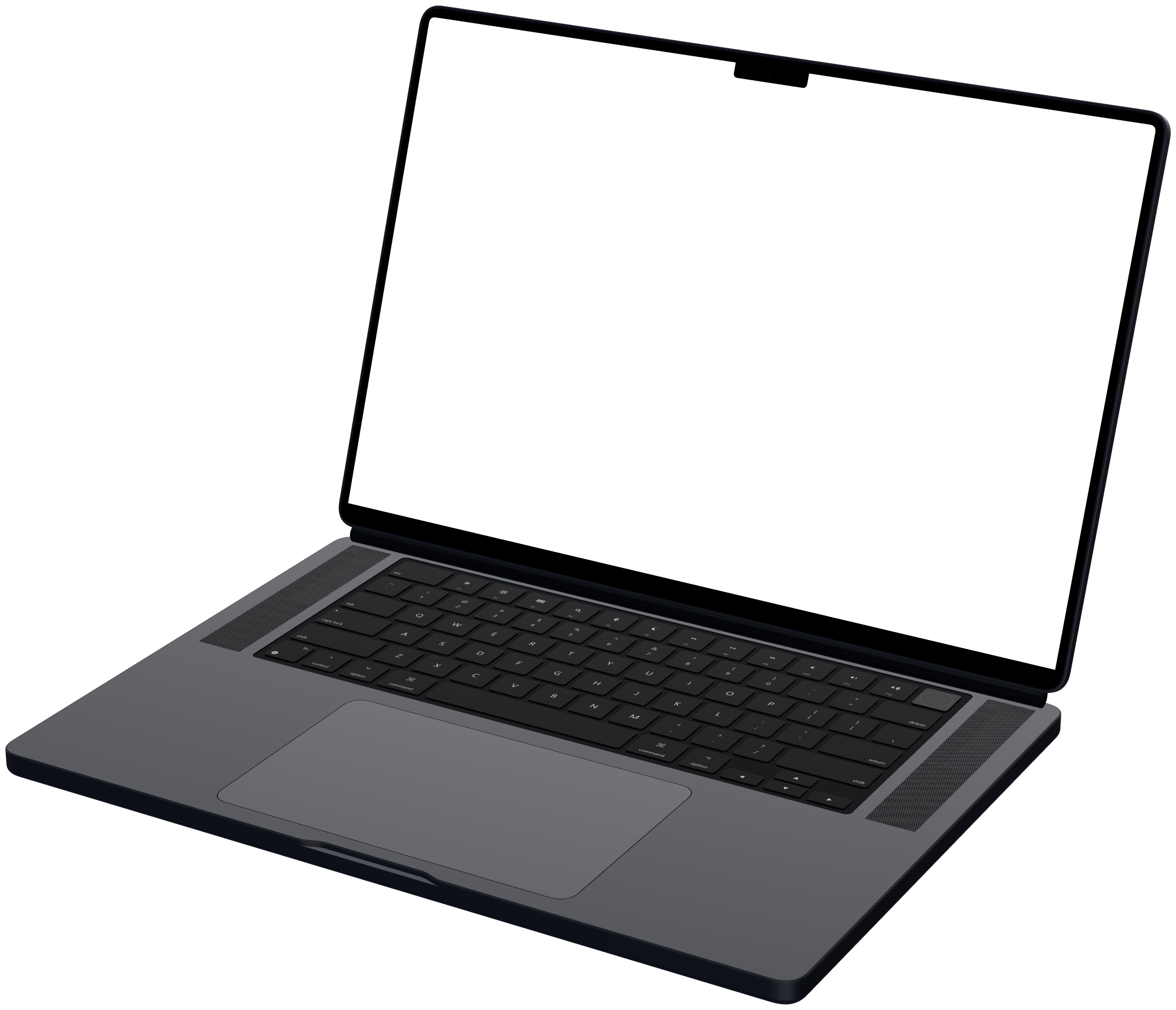
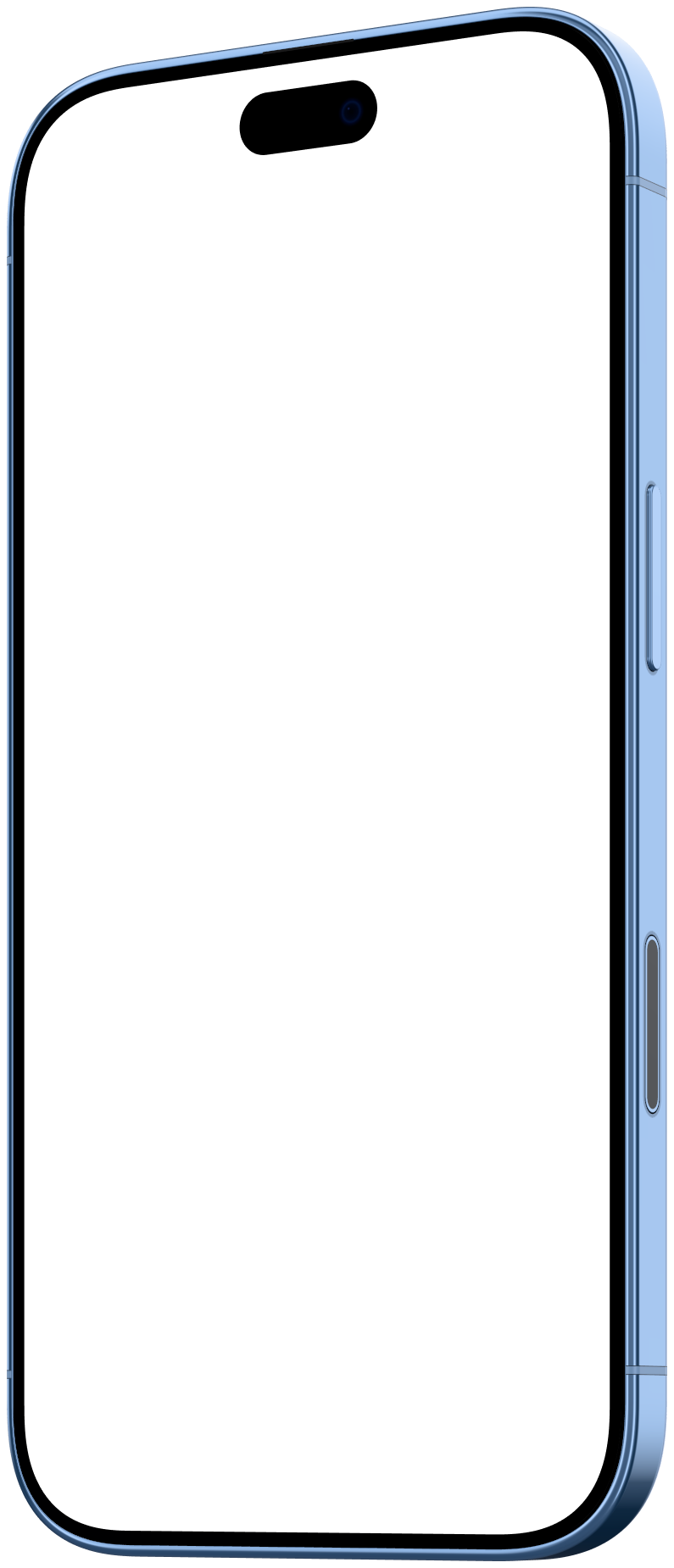
Show what you built. Skip the editing.
Mockya is an independent tool for people who ship software and need to show it. It turns a raw screen recording into a polished device video in the browser, without a timeline, a 3D scene or an upload, because the recording is the hard part, and presenting it shouldn't be.

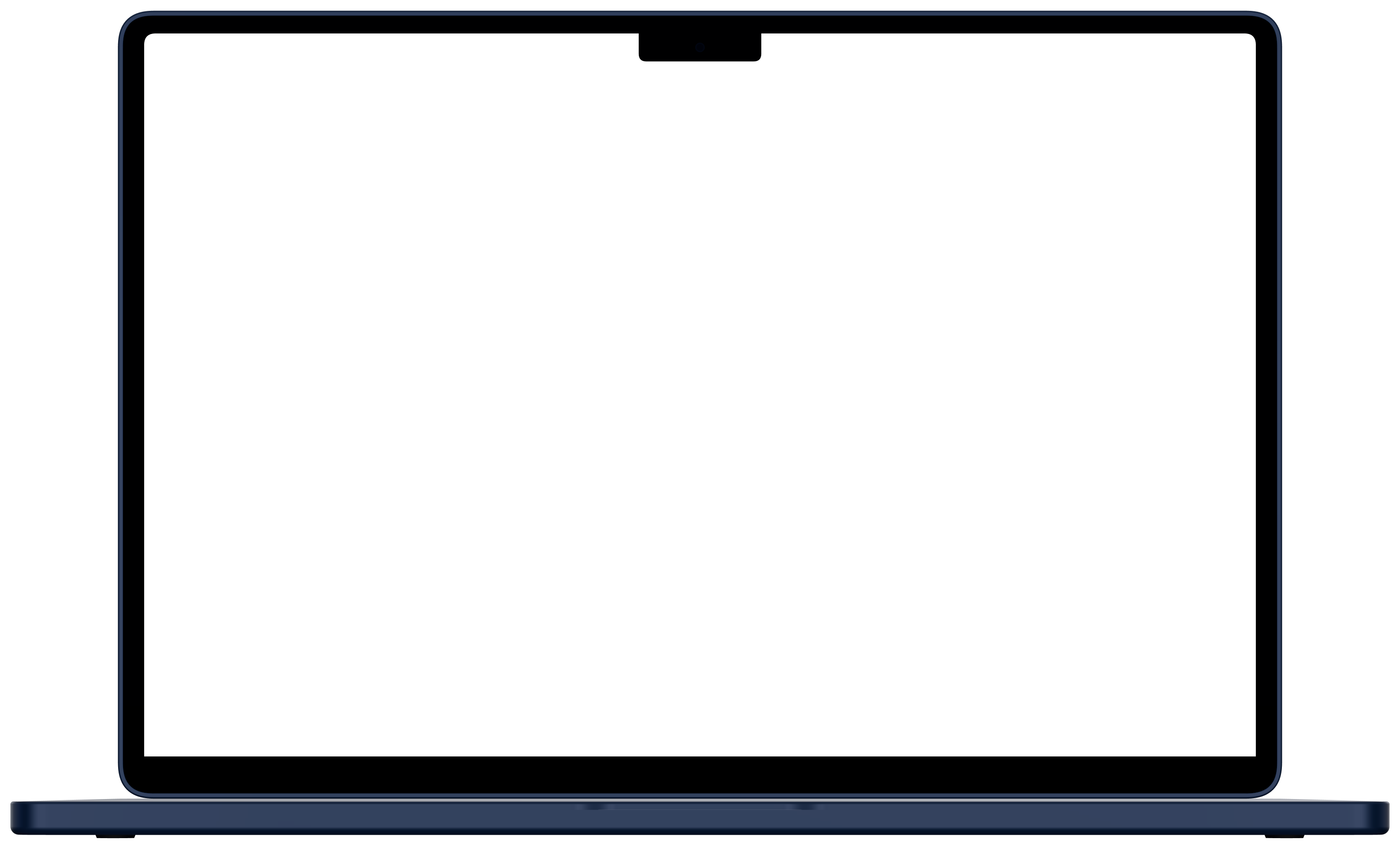
- device frames
- 23
- canvas sizes in one export
- 6
- maximum export
- 4K
- files uploaded
- 0
Why does Mockya work the way it does?
Every choice in the studio comes back to four ideas.
The recording is the hard part
You already did the work of making something worth showing. Framing it should take a minute, not an afternoon in a video editor.
Your files are yours
Unreleased products get recorded every day. Mockya renders in your browser so a launch never leaks through someone else's server.
Devices should look real
Every frame is rendered from the maker's published dimensions, with the screen opening measured to the pixel, so the recording sits under the glass.
Pay for what you make
Most people need a video for a launch, not every week. Credits are bought once, never expire, and every feature is in every pack.
What did we leave out on purpose?
A timeline. Mockya has no keyframes. You pick an angle and your recording plays inside it. If you need the camera to orbit the device, a 3D animation tool is the better choice, and the alternatives page says which.
A server that sees your work. Rendering happens on your computer with your own graphics hardware. That's why exports are fast, and why nothing you frame is ever uploaded.
A subscription. Editing and previewing are free forever. You pay only when you export, and the price is on the Export button before anything renders.
Questions, ideas, a device we're missing?
We read every message at support@mockya.app. Or skip ahead and frame your first recording.
Your files never leave your machine.